
Download feelDweb – Website Organization, Social Media Sharing, Latest News, QR Code Generation, Online Reputation Management
Overview
feelDweb is a Java-based mobile application designed to streamline the way users interact with and manage their online presence. Targeted at individuals and professionals who frequently navigate the web, the app serves as a centralized hub for organizing favorite websites, accessing timely news, and managing digital reputation. By consolidating essential web tools into a single interface, feelDweb helps users reduce browser clutter and improve productivity. Its core purpose is to eliminate the frustration of losing important links or missing critical updates, making it particularly useful for researchers, content creators, marketers, and small business owners who rely on consistent online access.
The app enables users to save and categorize multiple websites, ensuring quick and easy access to frequently visited resources. It also includes functionality for sharing links directly to social media platforms, enhancing content distribution. With built-in access to the latest news, users can stay informed without switching between apps. Additionally, the QR code generation feature allows for seamless offline and online link sharing, ideal for events or promotional materials. The online reputation review function supports proactive digital presence management, a growing necessity in today’s connected world.
Although the developer did not provide additional technical details, the app’s long-standing presence since its release on April 25, 2014, suggests reliability and continued relevance. As a free tool in the Productivity category, feelDweb fills a niche in the mobile ecosystem by offering a lightweight, focused solution for web management. Its continued availability on Android underscores its value for users seeking a no-frills, efficient way to organize and share online content.
Key Features & Functionality
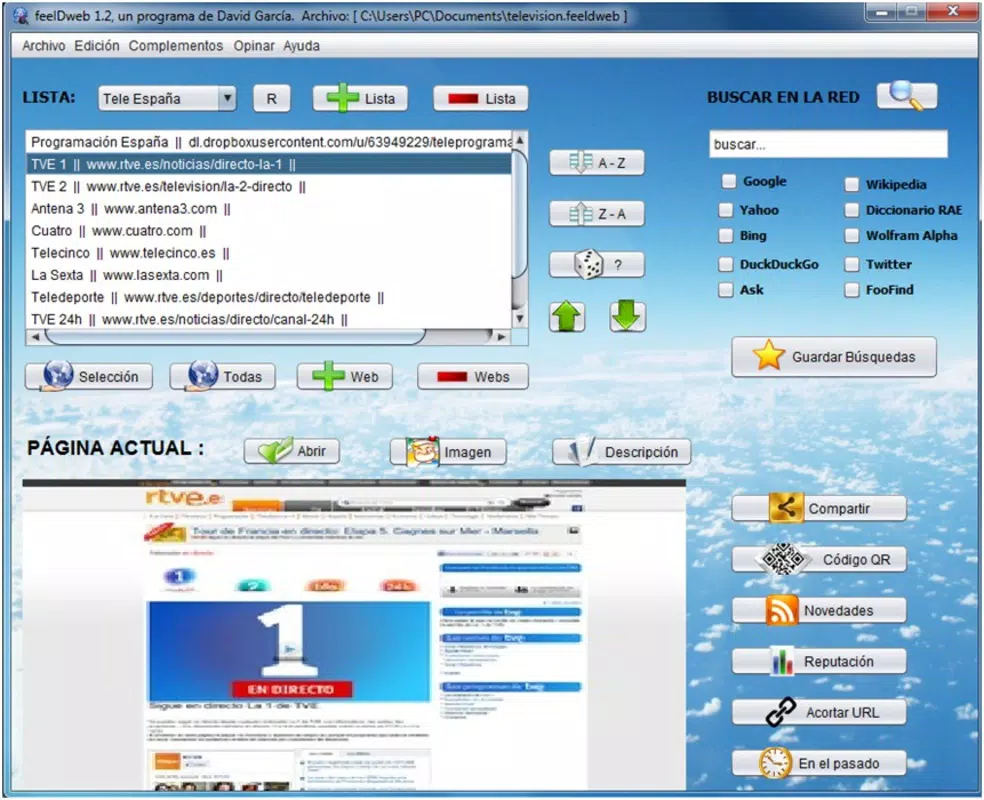
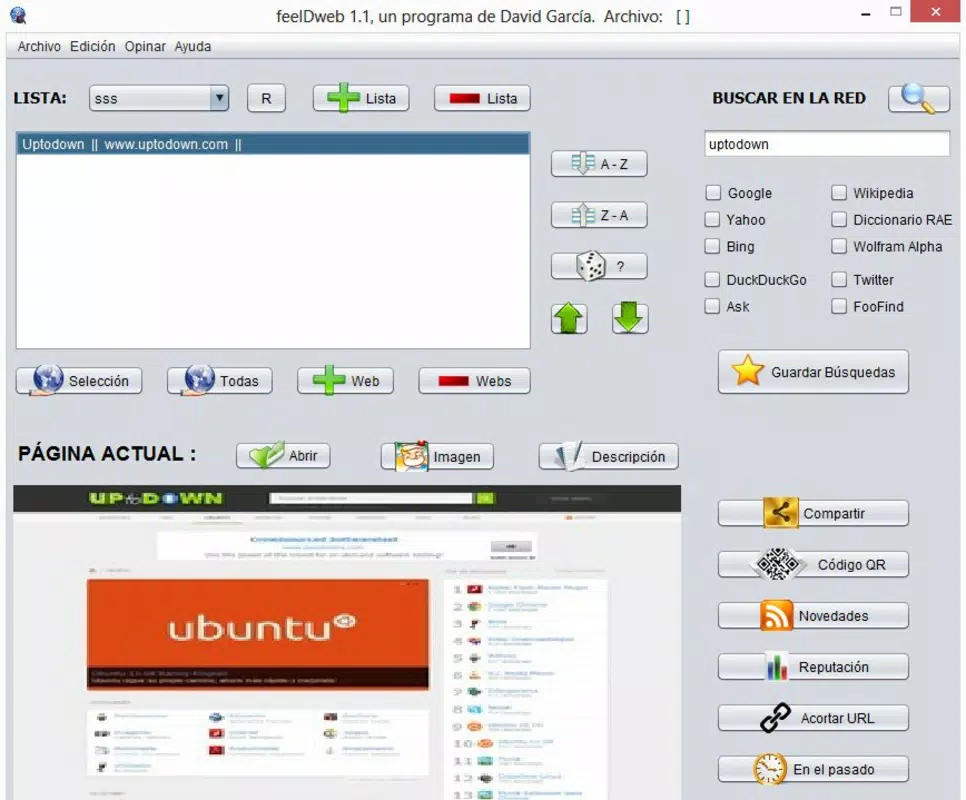
- Website Organization: Users can save and group favorite websites into customizable lists. This feature is ideal for managing work-related resources, personal interests, or educational materials. For example, a student might create a list of academic journals, while a marketer could organize competitor websites and industry blogs.
- Social Media Sharing: With integrated sharing buttons, feelDweb allows users to post saved links directly to platforms like Facebook, Twitter, and Instagram. This simplifies content promotion and encourages engagement with online communities.
- Latest News Updates: The app delivers real-time news from curated sources, helping users stay informed on topics such as technology, business, and global events. This is especially useful for professionals who need timely updates without opening multiple news websites.
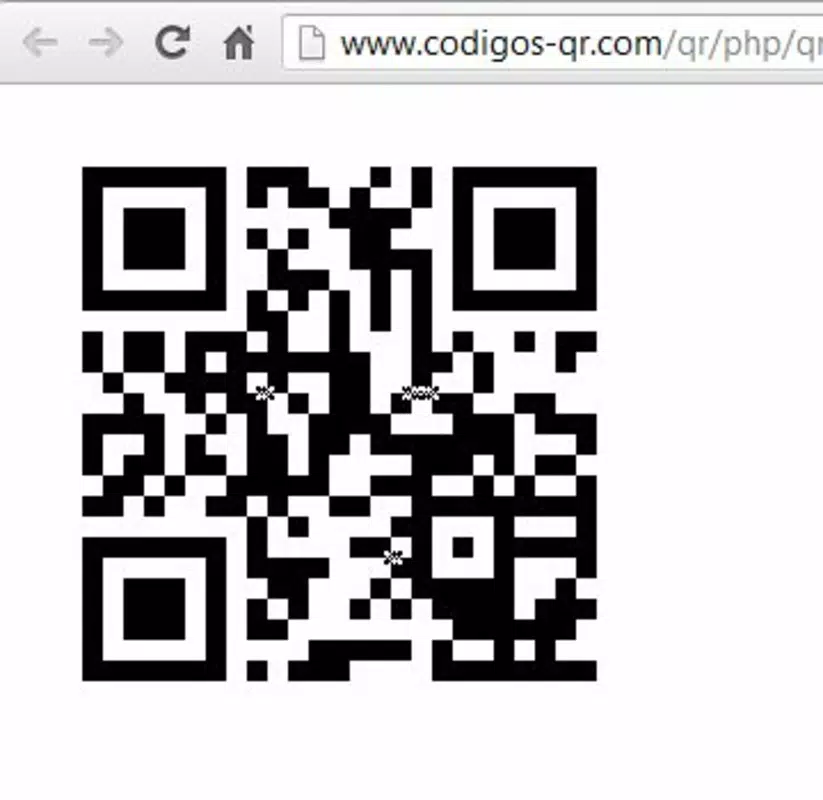
- QR Code Generation: Users can generate QR codes for any website URL, enabling quick access via smartphone scans. This is beneficial for physical marketing materials, event signage, or personal branding efforts.
- Online Reputation Review: This feature allows users to monitor mentions of their name, brand, or business across the web. While the exact mechanism is not detailed, it supports proactive reputation management, helping users respond to feedback or negative content early.
Each feature is designed to enhance workflow efficiency and reduce time spent switching between apps. For instance, a small business owner can use feelDweb to organize client resources, share promotional links, generate QR codes for flyers, and track online mentions—all within one interface. The app’s focus on practical, everyday tasks makes it a valuable utility for users seeking to simplify their digital routines.
Interface, UX & Performance
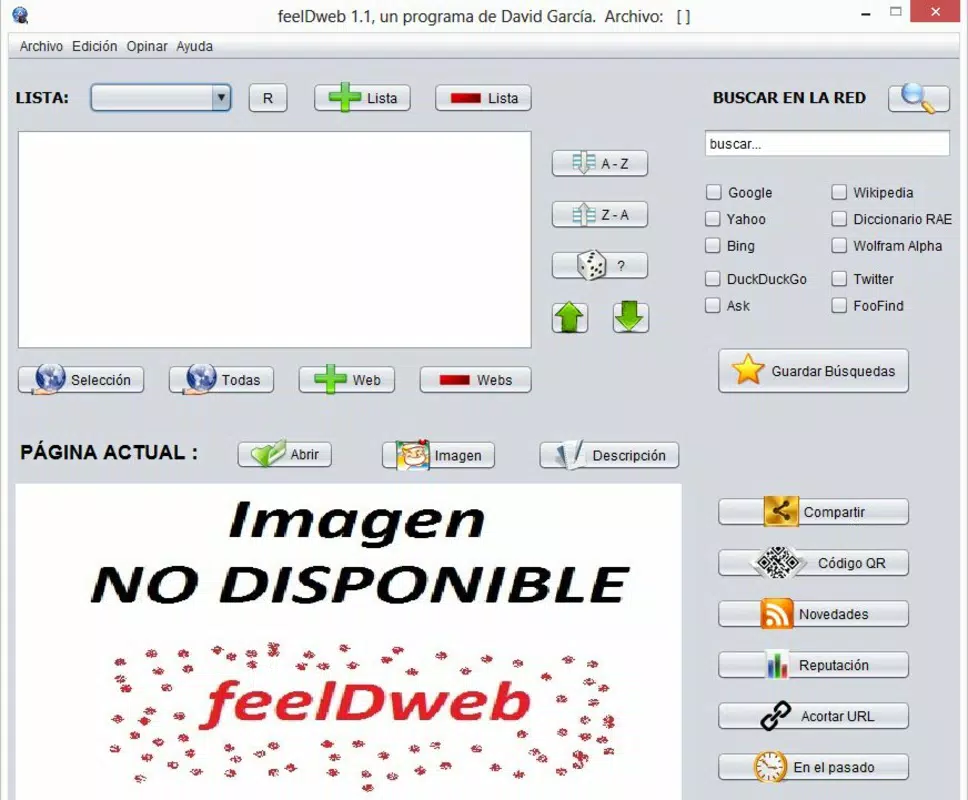
The user interface of feelDweb appears to prioritize functionality over visual flair, aligning with its utility-driven purpose. Based on available information, the layout likely features a clean, text-based navigation system with clearly labeled sections for each core function. Users can expect straightforward access to saved sites, news feeds, and tools like QR code generation. The app’s design emphasizes ease of use, minimizing the learning curve for new users.
Navigation is likely linear and intuitive, allowing users to move between features with minimal taps. The absence of complex animations or heavy graphics suggests optimized performance, especially on older or low-end Android devices. Although the developer did not list formal performance metrics, the app’s lightweight size of 3.2 MB indicates efficient resource usage. This makes it suitable for devices with limited storage or processing power.
Responsiveness is expected to be consistent, given the app’s Java foundation and long-standing presence. Users should experience minimal lag when saving links, generating QR codes, or accessing news feeds. Stability is likely maintained through regular updates, though specific update frequency was not disclosed. Overall, feelDweb appears to deliver a stable, reliable experience focused on core tasks without unnecessary overhead.
Platform Compatibility & Technical Requirements
feelDweb is available exclusively on the Android platform. The current version is 1.0.1, with a file size of 3.2 MB, making it a lightweight download ideal for users with limited storage. The app is free to install and use, removing financial barriers to access.
The developer did not specify minimum OS requirements or compatibility details. As such, users should exercise caution when installing on older Android versions. While the app has been available since 2014, its compatibility with modern Android systems cannot be confirmed without official documentation. Users are advised to check their device’s OS version and ensure it meets the app’s requirements before installation.
Given its age and size, feelDweb may function on devices running Android 4.0 and above, but this is speculative. The lack of detailed technical information means users should proceed with awareness of potential compatibility risks. Despite this, the app’s enduring presence suggests it remains functional on many devices.
Pros and Cons
Pros
- Free to download and use with no in-app purchases
- Lightweight size (3.2 MB) ideal for low-storage devices
- Core features support daily web management tasks
- Simple, intuitive interface suitable for non-technical users
- Long-standing availability since 2014 indicates reliability
Cons
- Compatibility with modern Android versions not confirmed
- No official information on minimum OS or device requirements
- Limited visual design and customization options
- No known update frequency or developer support details
- Functionality details for reputation monitoring are unclear
FAQ
Is feelDweb safe to install on Android?
Yes, the app is free and available through official channels. However, since the developer did not provide detailed security disclosures, users should ensure they download from trusted sources.
Can I use feelDweb without an internet connection?
Basic features like viewing saved websites may work offline, but functions such as news updates and QR code generation require an active internet connection.
Does feelDweb support iOS devices?
No, the app is currently available only on Android. There is no official iOS version or announcement of future support.
How often is feelDweb updated?
The developer did not disclose update frequency. The last known version is 1.0.1, released in 2014, so updates may be infrequent.
Can I export my saved websites or share them across devices?
Specific export or sync capabilities were not mentioned. Users should assume data is stored locally unless otherwise specified.
Final Thoughts
feelDweb remains a niche but functional tool for users seeking to organize their online activities in a streamlined, no-cost manner. Its focus on website management, social sharing, news access, QR code creation, and reputation monitoring makes it a practical utility for professionals and casual users alike. While its interface is minimal and technical details are limited, the app delivers on its core promises with a lightweight footprint.
For individuals managing multiple websites, promoting content, or monitoring their digital presence, feelDweb offers a straightforward solution. Despite its age and lack of modern polish, its continued availability speaks to its enduring utility. If you're looking for a simple, free way to organize your web experience, this app is worth considering.
Download feelDweb now


